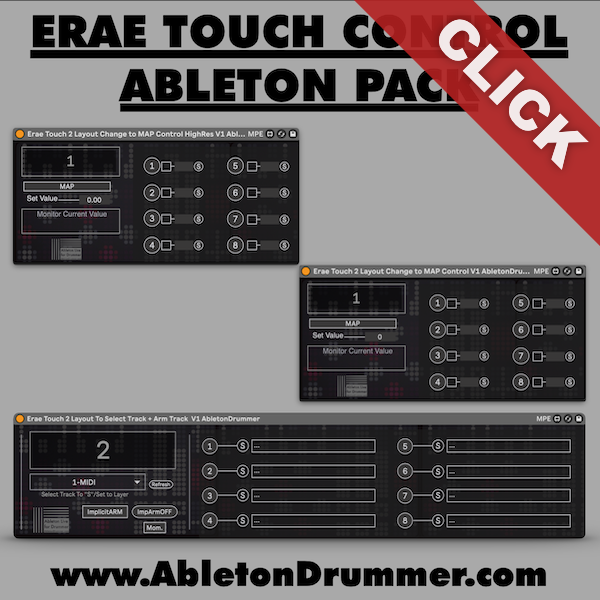
Control your Embodme Erae Touch 2 layouts and looper projects directly from Ableton Live with the Erae Touch 2 Layout + Project Selector device. This Max for Live tool provides automated control over layouts (presets) and internal looper projects, letting you automate changes, map MIDI controllers, and synchronize your Erae Touch 2 with your Live set without touching the hardware.

Understanding Layouts and Projects
The Erae Touch 2 uses two organizational systems the Erae Touch 2 Layout + Project Selector controls:
Layouts (Presets): Controller configurations determining how your Erae Touch 2 responds to touch—scale layouts, MIDI mappings, or performance setups.
Projects: Storage locations within the built-in looper where you record and play back performances. Each project contains different recorded material.
The device provides separate controls for switching between layouts and projects, letting you automate both independently or together.
Setup and Control Methods
Configure Ableton’s MIDI preferences by activating the “Track” output for your Erae Touch 2 MIDI port in Link/Tempo/MIDI settings. Create a dedicated MIDI track, load the Erae Touch 2 Layout + Project Selector device, and set the track’s MIDI output to “Erae Touch 2.”
The device offers multiple control methods: click the dropdown menu for manual layout selection, enter MIDI Map Mode (Cmd/Ctrl + M) to assign external controller buttons, or use Key Map Mode (Cmd/Ctrl + K) for computer keyboard shortcuts.
Automate Layout and Project Changes
The most powerful feature involves automation. Create a MIDI clip on the device’s track, open the envelope editor, and draw automation for the layout selector parameter. The Erae Touch 2 automatically switches layouts at programmed moments—start with scale layouts for melody, switch to drum pads for percussion, then return to chord layouts for harmony without manual intervention.
The same automation approach works for project selection, switching between looper recordings automatically as your set progresses.
Practical Applications
Song Structure Integration: Map different layouts to song sections. Your controller adapts automatically for verses, choruses, and bridges.
Looper Project Management: Switch between multiple projects during performances without manually navigating the Erae Touch 2 interface. Automate project changes to align with specific set moments.
Multi-Song Sets: Program each song to load its dedicated layout and project when triggering scenes in Ableton Live.
Combined Control: Use automation for standard performance flow while keeping manual controls mapped for spontaneous changes. This provides structured consistency with creative flexibility.
Requirements
Requires Ableton Live 10, 11, or 12 with Max for Live (included in Live Suite or available as an add-on for Live Standard) and Embodme Erae Touch 2 MIDI controller.