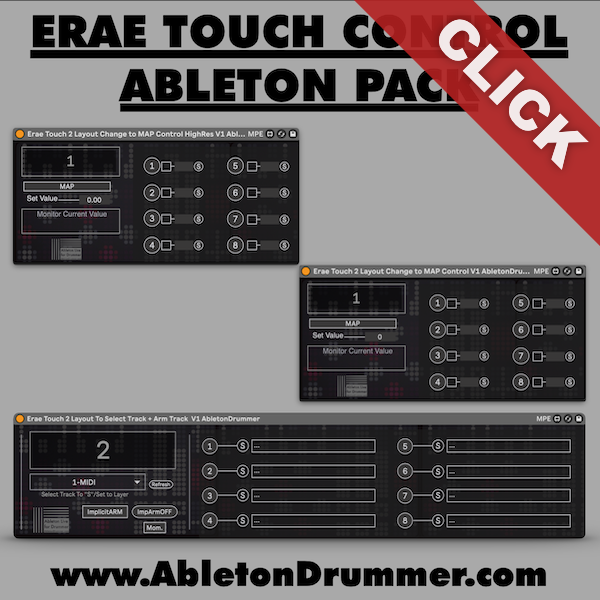
The Erae Touch already excels as an expressive MIDI controller — the Erae Touch Control Ableton Live Pack pushes it further. Three Max for Live devices let you use the Erae Touch’s preset buttons. Switch sounds, arm tracks, and adjust parameters with full precision, without touching your computer.
How Erae Touch Control Ableton Live Works
First, enable CC on Layout Change in the Erae Touch’s settings menu. This tells the device to send a MIDI CC message every time you switch a preset — which is what the Max for Live devices listen for. From there, everything else happens inside Ableton.
Select Sounds via Preset Buttons
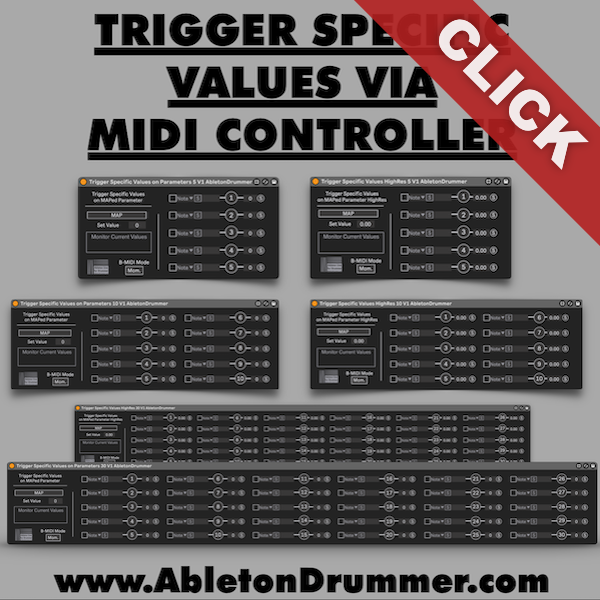
The Layout Change to Map Control device maps any Ableton parameter to up to eight preset buttons, sending a specific value each time you select a preset. A typical use case is an Instrument Rack’s Chain Selector — assign a different instrument chain to each preset, and the Erae Touch switches sounds instantly on selection. A high-resolution version of the device handles parameters that need finer accuracy beyond 128 steps.
Erae Touch Control Ableton Live — Track Arming
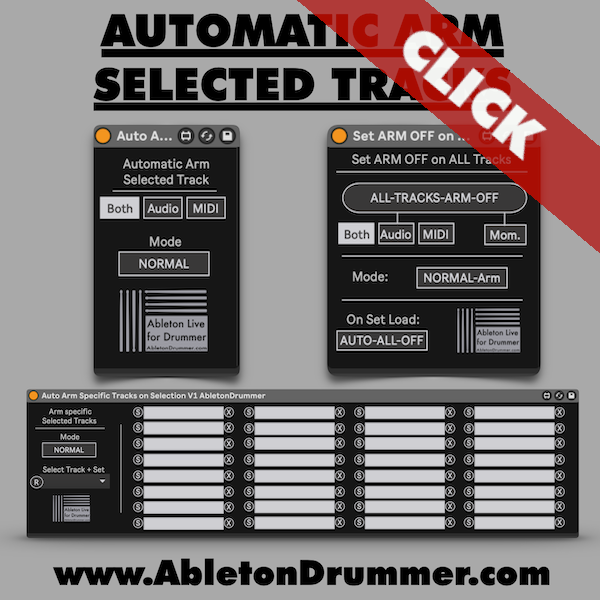
The Implicit Arm device selects and arms a specific MIDI track for each preset button. Switching presets on the Erae Touch arms the corresponding track in Ableton without interfering with any manually armed tracks. An Implicit Arm Off button clears arming on demand, and an All Off on Set Load toggle ensures a clean state every time you open your Live set.
High-Resolution Parameter Control
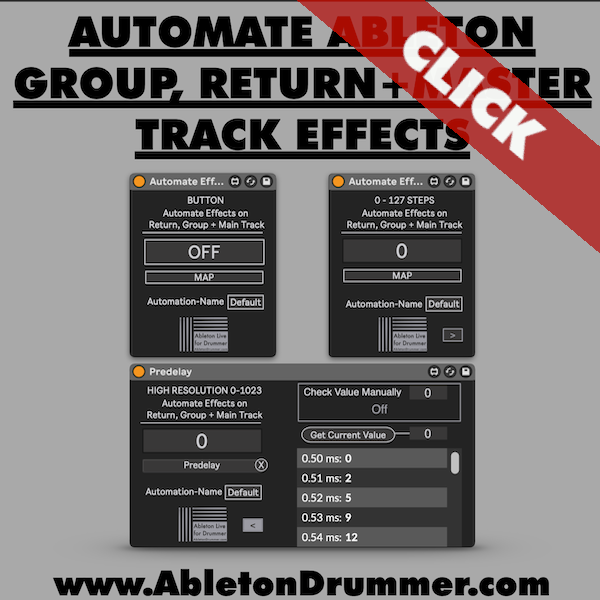
For parameters with values beyond the standard 0–127 range — drive amounts, fine filter settings, precise send levels — the high-res device stores the exact internal value per preset slot. Dial in the target value, hit S to save it, and the device recalls it with full precision on every preset switch.
Requirements
Ableton Live 10, 11, or 12 with Max for Live (included in Live Suite or available as an add-on for Live Standard) and an Embodme Erae Touch 2 running the latest firmware.